What Is IP Spoofing & How Does It Work? | Cyber Guide
May 21, 2026
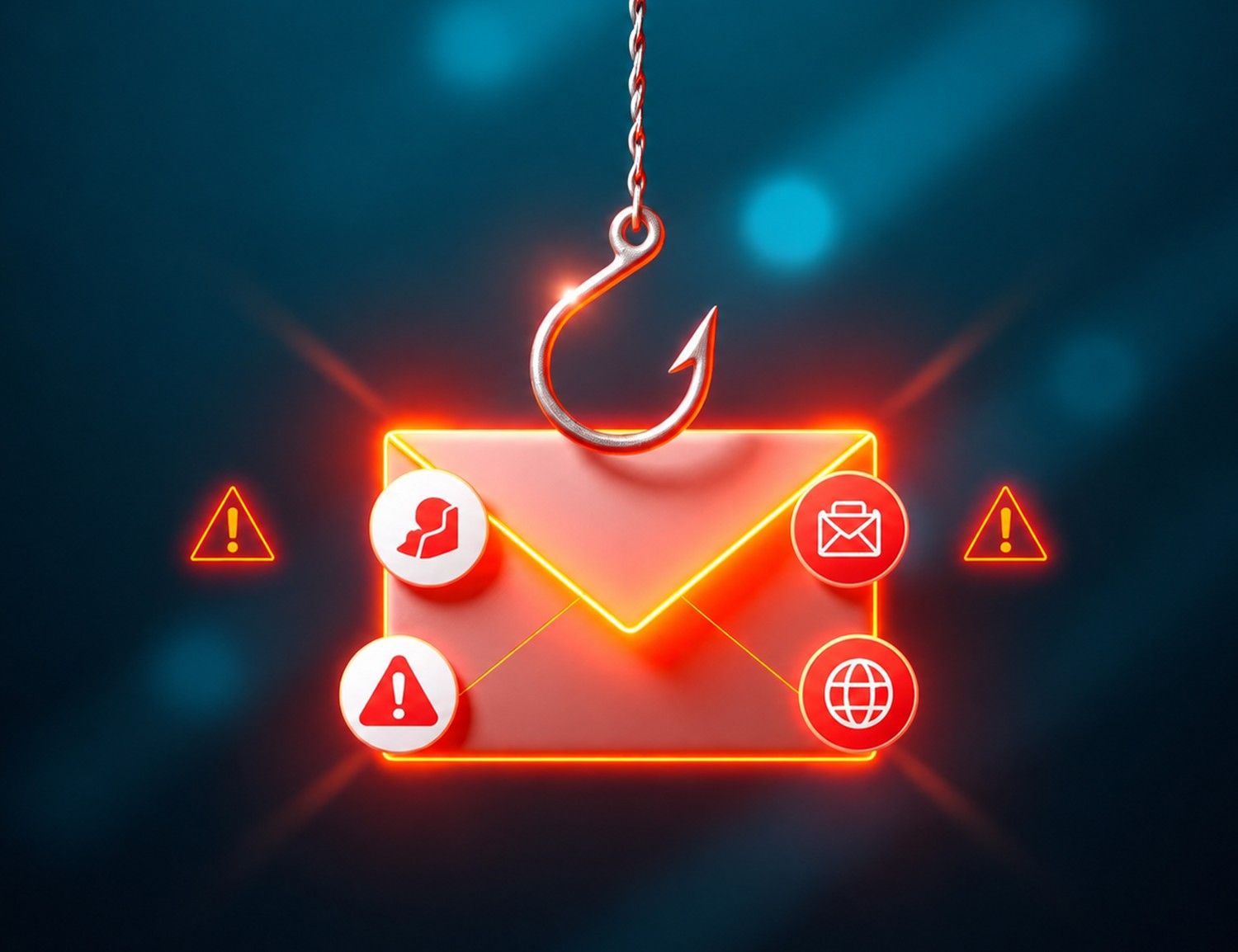
Discovering that your email account is hacked is one of the most alarming moments in modern digital life. Your inbox is not just a messaging tool — it is the master key to your entire online identity. Banks, social media platforms, cloud storage, shopping accounts, and workplace tools are all linked to your email address. When a hacker gains access, every one of those accounts becomes an open door.
The good news is that acting quickly and following the right steps gives you a strong chance of full recovery. This guide covers exactly 4 things to do if your email account is hacked — in order of urgency — along with the security tools and long-term habits that will protect you from future attacks.
Before taking action, it helps to confirm your account has genuinely been compromised. Look for these warning signs:
Suspicious emails in your Sent folder that you never wrote
Friends and contacts report receiving spam or phishing links from your address
Your email password no longer works despite you never changing it
Password-reset notifications arriving for accounts you did not request
Your account recovery options — phone number or backup email — have been changed
Login alerts showing access from unfamiliar locations or unrecognized devices
Unexpected changes to your email signature, forwarding rules, or filters
You can also visit HaveIBeenPwned.com — a free, reputable data breach monitoring service — to check whether your email address has appeared in any known public data breaches. If any warning signs match your situation, move immediately to Step 1 below. Every minute of delay gives a hacker more time to cause damage.
The very first thing to do when your email account is hacked is to change your password — or, if you have been locked out, use your email provider's official account recovery process to regain access. This step cuts off the hacker's direct access to your inbox.
If you cannot log in, use the "Forgot password" or "Account recovery" link on your provider's login page. Major providers like Gmail, Outlook, and Yahoo Mail have structured recovery flows that verify your identity through a backup phone number, alternate email address, or security questions. Follow the on-screen prompts carefully and answer with accurate information matching your original setup.
Once you regain access, your new password must be completely different from any you have used before. A strong password for email security meets all of these criteria:
At least 16 characters long — length is the single most important factor in password strength
A random combination of uppercase letters, lowercase letters, numbers, and special symbols
Contains no personal information such as your name, birthday, city, or pet's name
Is completely unique — never reused from any other website or service
Avoids predictable substitutions like "P@ssw0rd" or "S3cur!ty"
Pro Tip: Use a trusted password manager such as Bitwarden (open-source and free), 1Password, or Dashlane to generate and store a truly random password. These tools encrypt your credentials using AES-256 encryption and are built specifically for password security — removing the burden of memorization entirely.
After changing your password, immediately sign out of all active sessions. In Gmail, go to Google Account → Security → Your devices and remove all sessions. In Outlook, visit account.microsoft.com → Security → Sign in activity and end all active sessions. This instantly removes any hacker currently active in your account.
Changing your password alone is not enough. You must also enable Two-Factor Authentication (2FA) — also called Multi-Factor Authentication (MFA) — immediately. This adds a second verification layer so that even if someone has your password in the future, they still cannot access your account without your second factor.
When 2FA is enabled, logging in requires two things: your password and a second proof of identity. The second factor is typically something only you physically possess — a code from your phone or a hardware security key. This makes remote email hacking dramatically harder, even against sophisticated attackers.
Hardware Security Key (Strongest) — A physical USB or NFC device such as a YubiKey that you plug in or tap. Immune to phishing attacks. Recommended for the highest level of protection.
Authenticator App (Highly Recommended) — Apps like Google Authenticator, Authy, or Microsoft Authenticator generate a time-sensitive 6-digit code every 30 seconds. Free, secure, and easy to set up.
SMS Text Message Code (Basic) — A one-time code sent to your mobile phone number. Better than no 2FA, but vulnerable to SIM-swapping attacks. Upgrade to an authenticator app as soon as possible.
Important: When you enable 2FA, save your backup codes in a secure offline location — printed and stored in a safe, or in an encrypted file. Losing both your phone and backup codes can result in permanent account lockout.
Your email address serves as the recovery contact for dozens — sometimes hundreds — of other accounts. A hacked email account gives an attacker the ability to trigger password resets for your bank, shopping accounts, social media profiles, cloud storage, and workplace tools. This step is about containing the damage and closing every door the hacker might exploit.
Financial Accounts — URGENT: Log in directly to your bank, credit unions, investment platforms (Fidelity, Schwab, Robinhood), and payment apps (PayPal, Venmo, Cash App). Change passwords and enable 2FA on every one. Review recent transaction history for any unauthorized activity.
Online Shopping: Amazon, eBay, Walmart, Etsy — check for unauthorized orders and remove any saved payment methods if needed.
Social Media: Facebook, Instagram, X (Twitter), LinkedIn, TikTok — review login history and check for posts or messages sent without your knowledge.
Cloud Storage: Google Drive, Dropbox, iCloud, OneDrive — these may contain sensitive documents, photos, or files.
Work and Professional Accounts: Notify your employer's IT or security team immediately if any corporate data or work systems may have been accessed.
Healthcare and Insurance Portals: These contain protected health information (PHI) covered under HIPAA in the United States — report any breach involving these accounts.
One of the most common tactics hackers use is setting up silent email forwarding rules that automatically copy every email you receive to an external address — even after you change your password. These rules stay active invisibly until you find and delete them.
In Gmail: Go to Settings → See all settings → Forwarding and POP/IMAP tab
In Outlook: Go to Settings → View all Outlook settings → Mail → Rules
In Yahoo Mail: Go to Settings → More Settings → Filters
Delete any forwarding rules, filters, or auto-reply settings you did not create yourself. Also review connected third-party apps that have been granted access to your account and revoke any that look unfamiliar.
Under U.S. law, if unauthorized financial transactions occurred, you are protected by the Electronic Fund Transfer Act (EFTA) and the Fair Credit Billing Act (FCBA). Contact your bank or card issuer immediately to dispute fraudulent charges. The sooner you report, the stronger your legal position for recovery.
Reporting a hacked email account is not just a good practice — in some situations, it is a legal obligation. Timely reporting protects you, your contacts, and in the case of business email, your customers and employees.
Your Email Provider: Report the compromise to Google, Microsoft, or Yahoo directly through their security reporting and abuse tools. This helps them investigate the attack vector and protect other users.
Your Contacts: If the hacker used your account to send phishing emails or malicious links, alert your contacts immediately so they do not click on anything suspicious.
The Federal Trade Commission (FTC): File a report at ReportFraud.ftc.gov. The FTC is the primary U.S. federal agency for consumer protection against identity theft and cybercrime.
FBI's Internet Crime Complaint Center (IC3): If financial fraud or identity theft occurred, file a complaint at IC3.gov. The IC3 coordinates federal cybercrime investigations across U.S. law enforcement agencies.
Your Bank and Credit Card Issuers: Contact financial institutions proactively, even if you have not spotted fraudulent charges yet.
Your Employer's IT Department: If any work-related information or systems may have been accessed, your IT security team must be informed immediately.
Under the Economic Growth, Regulatory Relief, and Consumer Protection Act of 2018, all Americans are entitled to place a free credit freeze with all three major credit bureaus — Equifax, Experian, and TransUnion. A credit freeze prevents new lines of credit from being opened in your name without your explicit authorization, making it one of the most powerful steps you can take after any identity-related breach.
If the hacked email account belongs to a business and contained customer or employee data, U.S. data breach notification laws may require you to notify affected individuals. As of 2025, all 50 states have enacted data breach notification laws, many requiring notification within 30 to 90 days. The California Consumer Privacy Act (CCPA) and the New York SHIELD Act are among the strictest. Consult a qualified cybersecurity attorney if business data was exposed.
Recovering from a hacked email account is only half the battle. The other half is building a strong, layered defense so that it never happens again. The right cybersecurity software dramatically reduces your exposure to future attacks.
A password manager is the single most impactful cybersecurity tool for most users. It generates and stores unique, cryptographically random passwords for every account in an AES-256 encrypted vault — eliminating password reuse, which drives the majority of account takeovers. Top options for U.S. consumers include:
Bitwarden — Open-source, free tier available, SOC 2 Type II certified, zero-knowledge architecture
1Password — Excellent family and business plans, Travel Mode for border security, strong audit logs
Dashlane — Includes built-in VPN and dark web monitoring for compromised credentials
Many email hacks begin with malware already running on the victim's device — a keylogger silently recording every password typed, or a trojan stealing browser session tokens. Comprehensive computer security software with real-time protection stops these threats before they can reach your accounts. Highly rated options include:
Norton 360 — All-in-one suite with antivirus, VPN, dark web monitoring, and identity theft protection
Bitdefender Total Security — Consistently top-rated by AV-TEST, lightweight performance impact
Malwarebytes Premium — Excellent for removing existing infections and preventing future threats
Note for U.S. Government Contractors: U.S. government agencies have restrictions on the use of certain foreign-origin security software. Verify compliance requirements with your agency's cybersecurity policy before selecting software.
A VPN encrypts your internet connection and prevents network-level attackers — especially on public Wi-Fi — from intercepting your login credentials and session cookies. If your email was hacked via an unprotected network, a VPN would have prevented the interception. Recommended options:
ProtonVPN — Based in Switzerland under strict privacy law, verified no-logs policy, free tier available
NordVPN — Fast, reliable, with double-VPN and Tor over VPN options
ExpressVPN — Consistent performance across devices, independently audited no-logs policy
The strongest email security combines the right software with the right daily habits. After recovering your account, commit to the following practices to ensure you are never in this position again:
Audit your account's active sessions and authorized apps every 3 to 6 months
Never click links in emails asking you to "verify your account" — go directly to the website instead
Use a dedicated, private email address for sensitive accounts such as banking and healthcare
Monitor HaveIBeenPwned.com regularly to receive alerts if your email appears in a new data breach
Keep your operating system, browser, and security software fully updated — most breaches exploit known vulnerabilities that existing patches already fix
Be skeptical of unsolicited phone calls claiming to be from your email provider — legitimate providers do not call asking for your credentials
Back up critical emails and attachments to an encrypted local drive or a trusted encrypted cloud service
A hacked email account is serious, but it is recoverable — especially when you act fast. The four steps in this guide — changing your password, enabling Two-Factor Authentication, securing linked accounts, and reporting the breach to the right authorities — give you a clear, proven path from compromise back to full control.
Pair those immediate steps with the right computer security software — a password manager, antivirus protection, and a VPN — and build the habits that make you a much harder target going forward. Email security is not about perfection; it is about consistently raising the cost and difficulty for attackers until they move on.
Start with Step 1 right now — even if your account seems fine today. A stronger password and Two-Factor Authentication cost five minutes of your time and could save years of stress, financial loss, and identity recovery. Your digital life is worth protecting.
This article is provided for general informational and educational purposes only and does not constitute legal, cybersecurity, or professional advice. While every effort has been made to ensure accuracy as of May 2025, cybersecurity laws and best practices change frequently. Readers should consult a qualified cybersecurity professional and/or attorney for guidance specific to their situation.
U.S. Federal Laws Referenced: Electronic Fund Transfer Act (EFTA), 15 U.S.C. § 1693; Fair Credit Billing Act (FCBA), 15 U.S.C. § 1601; Economic Growth, Regulatory Relief, and Consumer Protection Act of 2018 (Pub. L. 115-174); Computer Fraud and Abuse Act (CFAA), 18 U.S.C. § 1030.
Digital Product and Software Notice: References to third-party cybersecurity software are for informational purposes only and do not constitute endorsement. All software products are subject to their own End User License Agreements (EULAs), Privacy Policies, and applicable U.S. consumer protection regulations enforced by the Federal Trade Commission (FTC). Evaluate all products based on your specific security and regulatory requirements before purchase.
Business Data Breach Notice: If a hacked email account contains customer or employee data, applicable U.S. state data breach notification laws may impose mandatory reporting obligations. All 50 states have enacted such laws as of 2025. Consult qualified legal counsel for jurisdiction-specific requirements.
Product keys delivered directly to your email after every confirmed order.
We review every concern fairly and work toward a resolution that makes sense.
All transactions are processed through Stripe, a trusted and encrypted payment gateway.
Our team is reachable by phone and email to assist with any order-related question.